
How To Make Digital Student Portfolios For Free!

I have been making Student Portfolios for a long time and it’s always been one of my favorite parts of the school year. I love keeping track of the student’s progress and recording their growth, but the best part about student portfolios is watching the student’s faces light up when they share them with their parents for the first time. You can see some of my ideas here.
This year, Lyndsey has decided to try doing her portfolios digitally for a change. After looking around for options, she decided that the best way to do it would be through Google Slides. Google Slides supports images, works on both computer and tablet, can easily be shared with and printed by parents at the end of the year, and is free to use.

To start, make a folder in Google Drive called “Student Portfolios”, then go to google.com/slides and click on “Start a new presentation”.
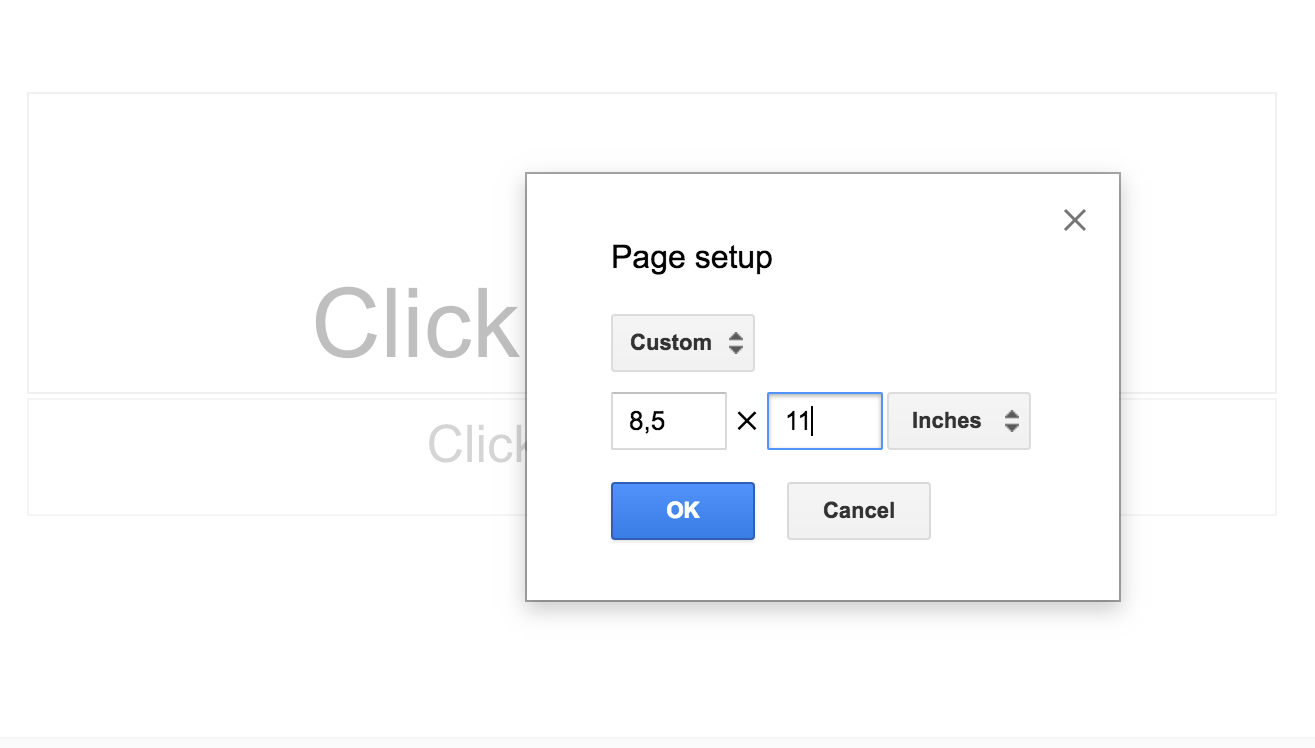
At this point, click on “File” and then “Page Setup” and then chose “Custom”.


After choosing “Custom”, change the page size to 8.5 x 11.
Next, add a few blank slides to work with by choosing the + “New Slide” option.

Next, give your portfolios a cute cover. Open our “Portfolio Essentials” product in “Preview” (on Mac devices) and click “View” and then “Thumbnails”. This allows you to see all of the pages in the document in a side bar. Then chose the cover you want to use in the side bar and chose “Edit” and then “Copy”.


Then go back to your Google Slide and paste the image on the first Slide. To add student work, simply take a picture of the page or artwork you want to use and then paste it into the slide. It is super easy and fast! If you would like to know more about how to set up digital student portfolios, you can watch Lyndsey walk you through the steps in the following video:

Also available at Teachers Pay Teachers!
A portfolio contains work samples that are representative of where a child is at a particular time. It clearly shows development as it continues throughout the school year. A portfolio is an effective assessment tool that authentically documents a child's progress and serves as a great reporting tool as well.
Memory books are also a great tool to keep "favorite" school memories alive. We have merged the memory book idea and included it as part of the portfolio system.
This product has been built for your flexibility. There are portfolio covers and binder end tags provided for all grades Pre-K, K and 1st. There is also a black and white option to run on colored tag, as colored ink is generally at a premium.
The product is then divided into sections: Beginning of the year essentials, month by month work samples, pages to use throughout the year to document memories, and an end of the year section.
Also available at Teachers Pay Teachers!
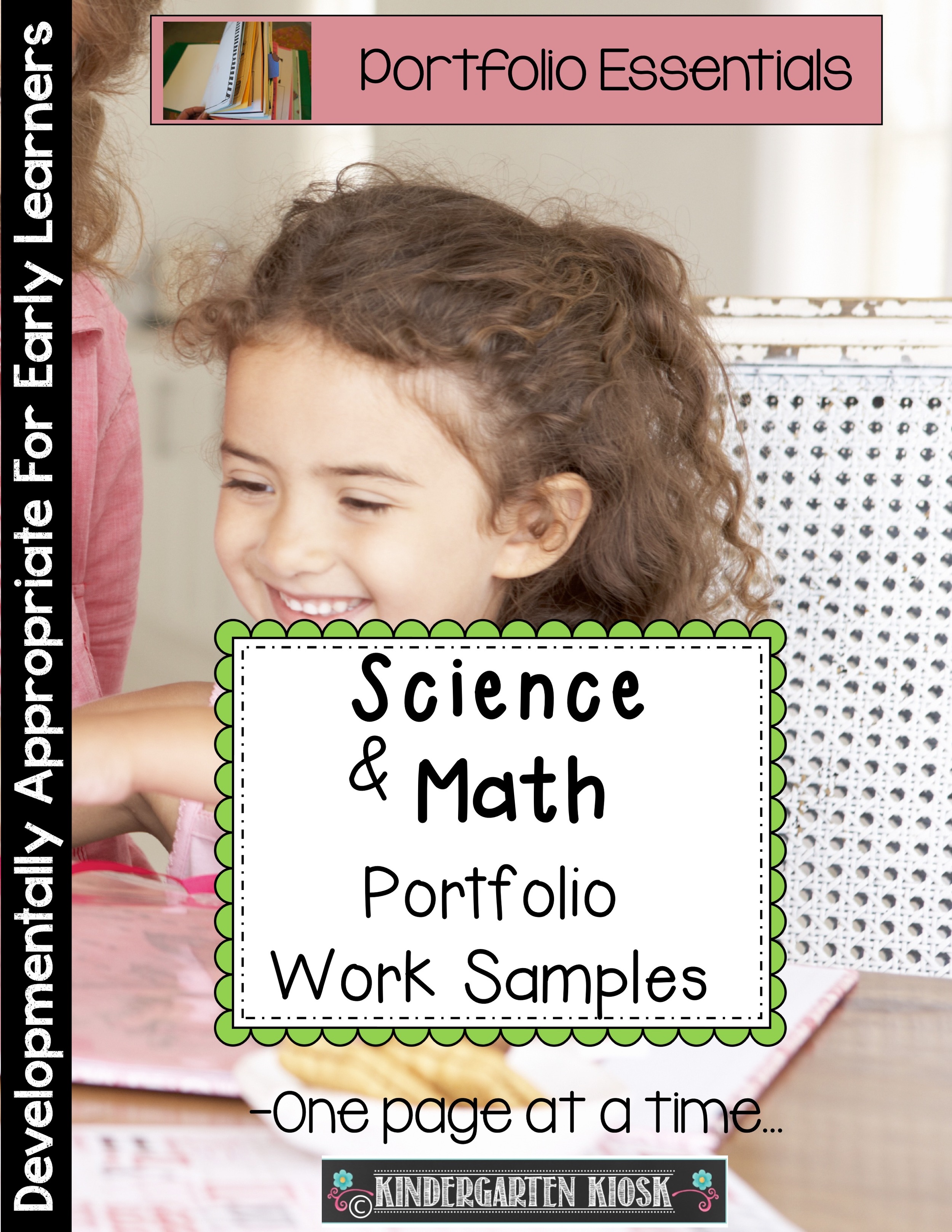
A portfolio often includes pictures, art projects, and monthly work samples in writing and handwriting (see our portfolio/memory book template for ideas and masters). To provide a more complete body of work that highlights the accomplishments of your students, it is necessary to also include math and science work samples. To get our Portfolio Basics check here: https://www.teacherspayteachers.com/Product/Creating-a-Portfolio-Keepsake-Measuring-Growth-One-Sample-at-a-Time-252121
The pages in this math and science portfolio packet are designed to be used in conjunction with books and other activities that support your theme or unit of study. They include reports, worksheets, or examples of what has been accomplished or learned. These portfolio pages can serve as culminating activities or work samples. They represent what the student can do independently or with little guidance at a particular time. They include the following twenty math and science portfolio pages: