
Administering Kindergarten Assessments
“HAVE YOU FALLEN IN LOVE WITH ESGI! I THINK THE WHOLE WORLD IS IN LOVE WITH THIS AMAZING SOFTWARE.”

In my state, the first days of kindergarten are spent with the students coming one at a time for a 45 minute appointment with their parent(s). During this time the students are administered the Kindergarten Assessment Profile (KAP), given the fall DIBELS, receive a hearing test, and confirm busing. Actually it is a great start for students it allows me one-on-one time with the child and parent.
Thank goodness for ESGI! This testing tool has made administering the KAP a snap. And the data gained is immediate and meaningful.
First, I set up my class on ESGI, pretty easy to do. You sign up for your free trial. Enter code B7227, and you have 60 days to try it out! Then begin entering your students.

It took me about 4 minutes to add my 24 students.
It probably took me 2 hours to set up my first year and 4 minutes each year following. More time saved!
Now, hang with me, this is an in-depth look at how you can get going on ESGI...
Next I select the tests I want to administer. Now, you can create your own, but ESGI is a treasure-trove of pre-made tests from the Friends of ESGI partnerships. I am a friend of ESGI, so my best-selling assessment packets are already loaded for you. All you have to do is organize them the way you want to. Then, put 1 copy of the paper assessments in a binder to have handy if you have questions regarding organization or benchmark levels.

Here is organization that closely mirrors my paper assessments

Also available at Teachers Pay Teachers!
Product Description
Language Arts Assessment For Kindergarten Common Core
Are you looking for a comprehensive ready-to-go Kindergarten ELA Assessment? You will love this packet of assessments that have been used with tens of thousands of kindergartners around the world! It is aligned with English Language Arts foundational skills and Kindergarten Common Core Standards! And you will love how this kindergarten ELA assessment track your students throughout the entire school year with suggest educational benchmarks along the way and bonus checklist and report card!
Organizing assessments can be a daunting task. This assessment package is here to help save you valuable time. The document serves as an organizational tool for gathering information about English Language Arts strengths and weaknesses of kindergarten students. This resource will help you learn more about your students and help you determine the focus of your instruction.
Each assessment is clearly written and easy to administer. Due to the necessity of assessing students at regular intervals during the school year, the document provides a space to record information for different assessment periods. The first assessment is in the trimester format (with benchmarks provided). Following this assessment is one that is generalized, to fit the format of varying school years.
The next pages of this assessment packet are student copies and examples of a checklist or report card that you may wish to use when reporting to parents.
A sample checklist and report card based on the assessments is also included for your convenience.
© Kathy Crane
Follow For Updates and Freebies!
Be alerted as products are updated and/or added to. Get Special Freebies.
Wow! Very organized and looking forward to using this fall, especially with ESGI. Thank you!
Related Products:
English Language Arts Assessments For Kindergarten
Math Assessments For Kindergarten
Kindergarten Reading Benchmark Assessments and Checklist
Parent Teacher Conference Report Form and Intervention - FALL
Parent Teacher Conference Report Form and Intervention - WINTER
Parent Teacher Conference Report Form and Intervention - SPRING
Preschool Language Arts Assessment Pack

Or Both are available at My TPT Store Here.
Also available at Teachers Pay Teachers!
Product Description
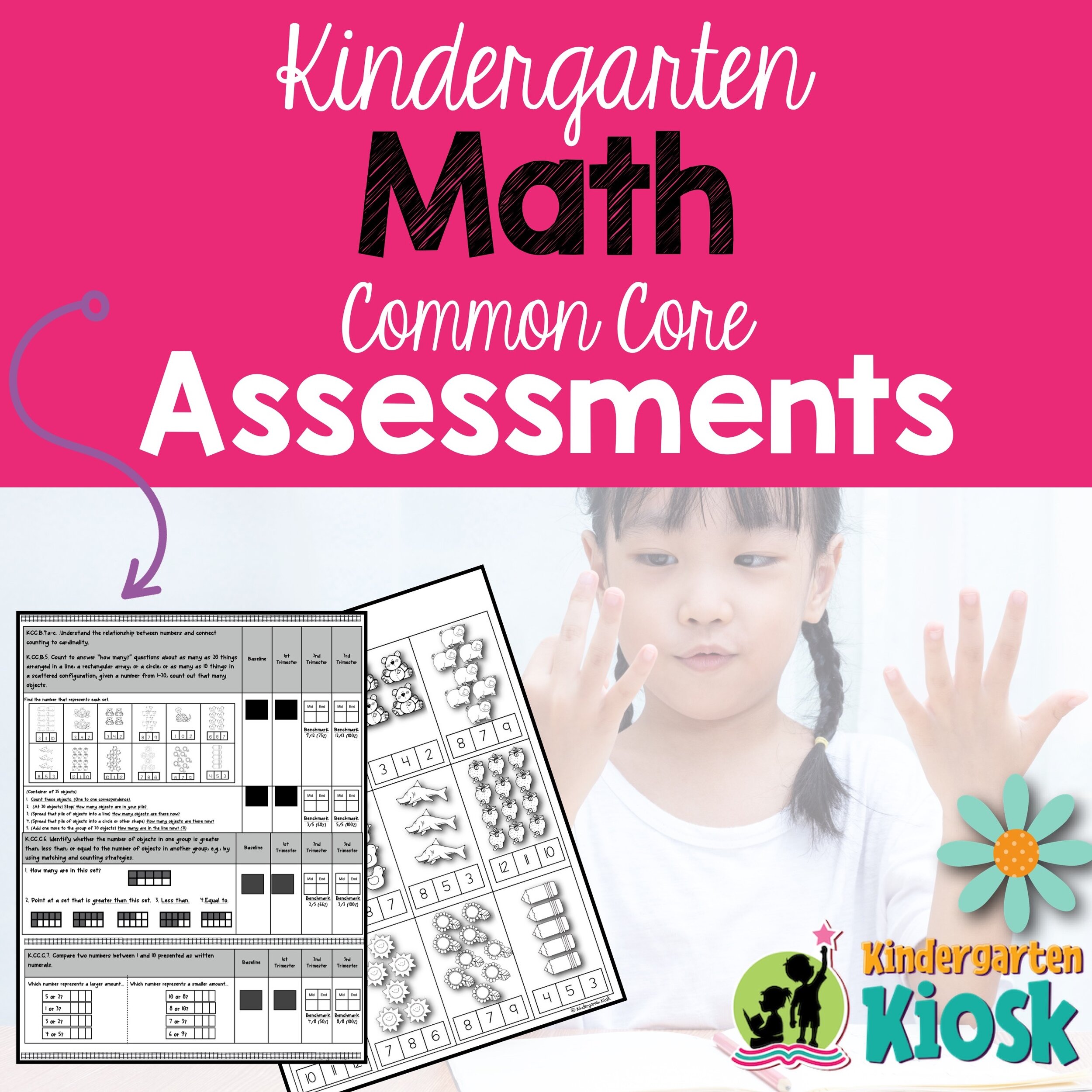
Are you looking for a comprehensive ready-to-go Kindergarten Math Assessment? You will love this packet of assessments that have been used with tens of thousands of kindergartners around the world! It is aligned with math foundational skills and Kindergarten Common Core Standards! And you will love how this kindergarten math assessment tracks your students throughout the entire school year with suggest educational benchmarks along the way and bonus checklist and report card!
Organizing assessments can be a daunting task. This assessment package is here to help save you valuable time. The document serves as an organizational tool for gathering information about math strengths and weaknesses of kindergarten students. This resource will help you learn more about your students and help you determine the focus of your instruction.
Each assessment is clearly written and easy to administer. Due to the necessity of assessing students at regular intervals during the school year, the document provides a space to record information for different assessment periods. The first assessment is in the trimester format (with benchmarks provided). Following this assessment is one that is generalized, to fit the format of varying school years.
The next pages of this assessment packet are student copies and examples of a checklist or report card that you may wish to use when reporting to parents.
A sample checklist and report card based on the assessments is also included for your convenience.
© Kathy Crane
I purchased this resource on Saturday and have made copies of activities for each day this week! Cannot wait to use it with he kids! I know they are going to love it! Thank you for creating a resource that is just at the tip of my fingertips and full of wonderful activities for the classroom!
Total:
4.0
Clarity
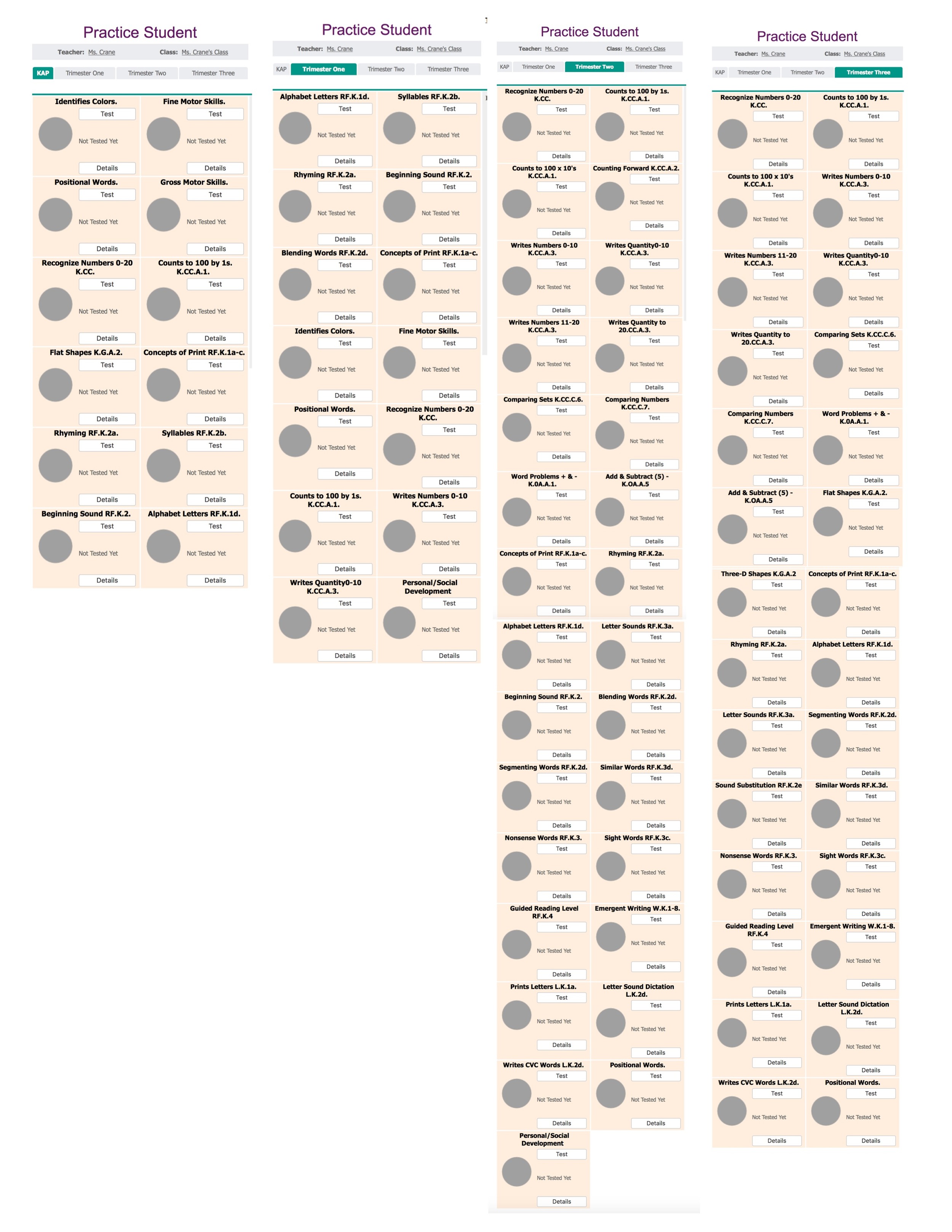
First I organize my subject tabs by clicking, organize test. As you can see I have 4 subject tabs. The KAP, Trimester One, Trimester Two and Trimester Three. The best part, these tests follow through the four categories and measures TRUE student growth.

Here is the KAP: I simply add those tests to the subject tab and they are ready to administer.

www.esgisoftware.com How to add tests
Following is a glimpse of the other subjects: Trimester One, Trimester Two, and Trimester Three. Each of them build upon the other. For example, when I administer the KAP, those tests will show scores in each category that it is loaded. (Remember, I want my assessments to be a true assessment of growth throughout the year). And so as I quickly move from KAP to Trimester One testing I don’t have to do any movement of scores or prepare tests for retesting, they are all there ready to go (after I have initially added those tests to the subject tabs during setup). As you will see in my paper assessments, I have benchmark levels along the way matched with ESGI percentages to measure grade-level growth along the way.
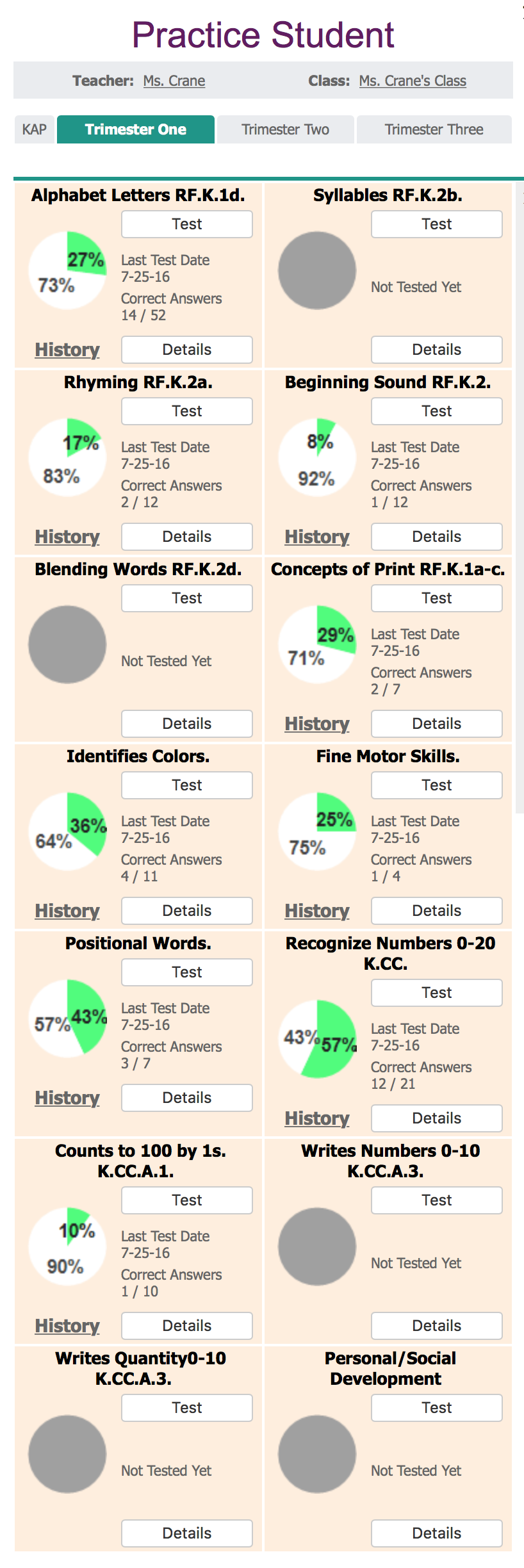
For example. Here is Practice Student’s KAP completely finished. Notice when I click on the Trimester One Tab, the assessments are ready for me to continue repeated testing. When I click test I am given the option to test previously unknown concepts, or I can choose test all again.

Reports Galore
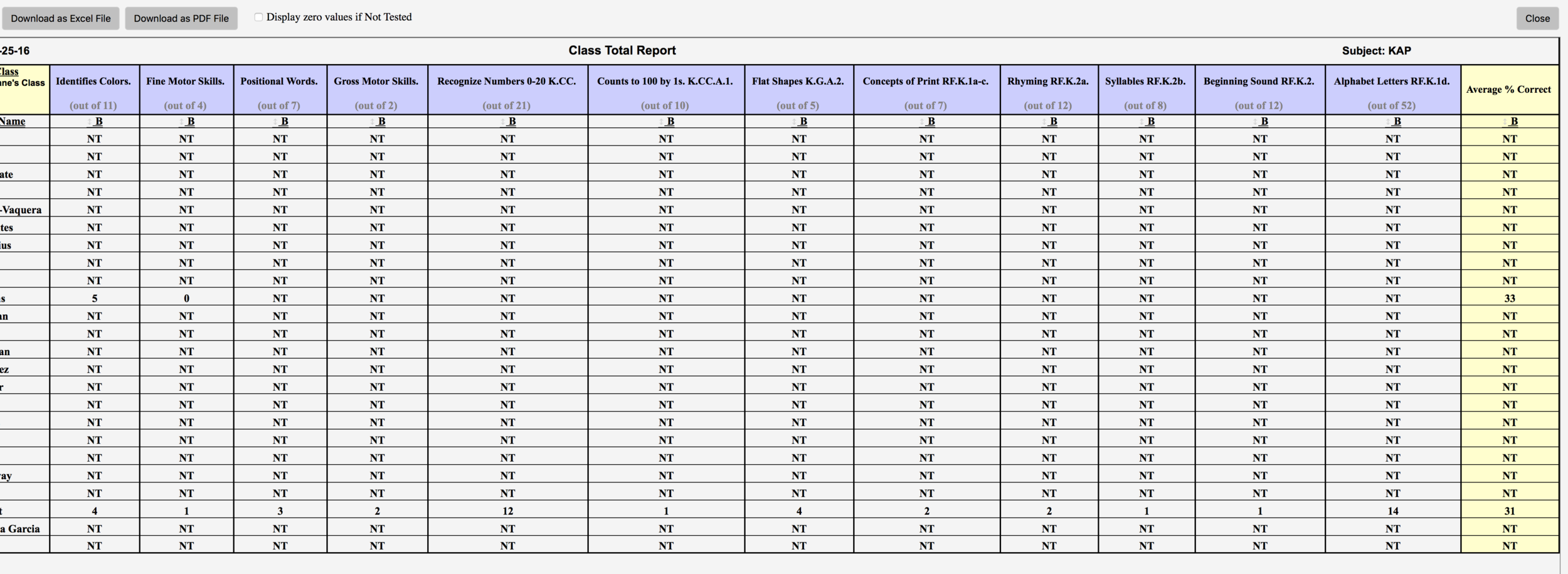
Now lets go back to the KAP and see what I can now do with that information. I can run a class total report: I can see at a glance all student’s testing results.
I can run a bar graph results of each test. This one is Identifies colors. If I click on the green, the results will show the list of students who know that color. If I click on the gray, it will generate a list of the students who did not name that color. Great for immediate grouping!!!

I can generate a test results letter for parents with the click of a button. I just click the categories I wish to show and press print! Parents are now notified of all test results. Better yet, I can click on print flash cards and students now have their own customized flash card set. (I use this tool at parent teacher conference time of year).

I can print pie charts of the entire class or one student at a time. I love pie charts because they have figured the percentage for me (perfect for grading season and benchmarking throughout the year). My students also love the pie charts. They love to watch their pie turn to green!
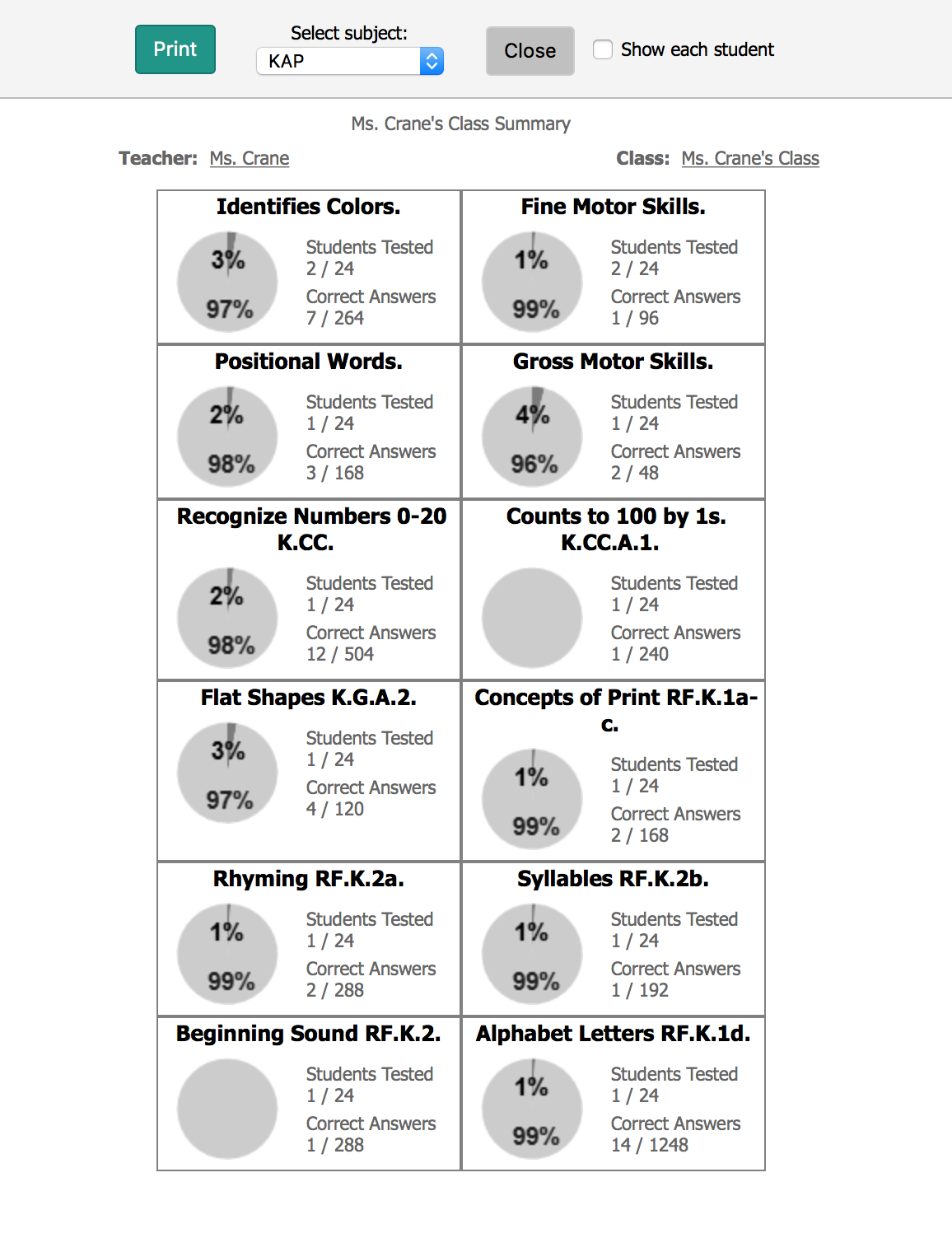
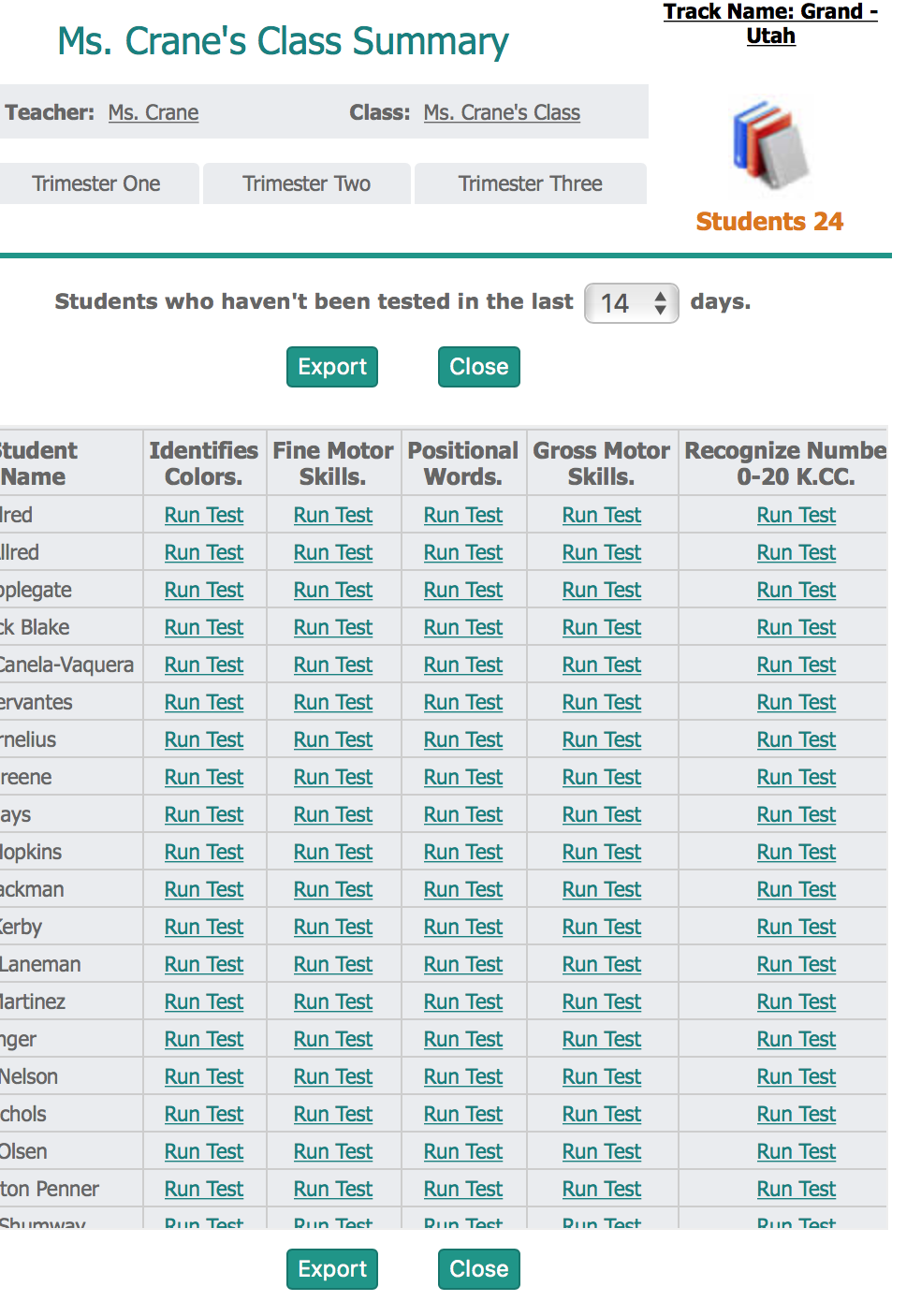
The view untested is very handy. If I can’t remember who I have tested, or what tests I have skipped for whom, the answer is there at the click of a button.
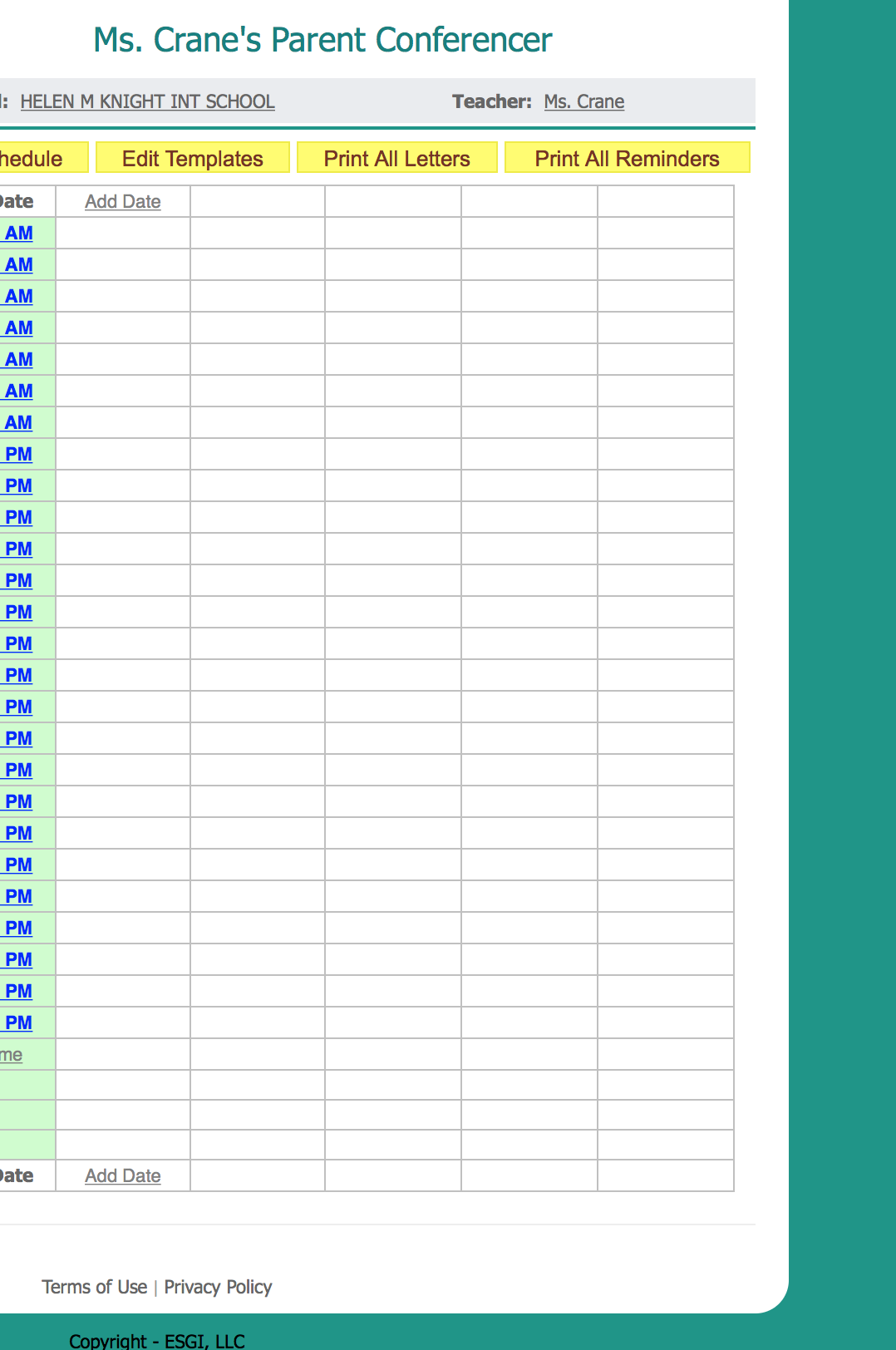
With ESGI you can also save time with Parent Conferencing and Classroom Management. But I better save those for another time! I could go on and on! So What are you waiting for? Enter that code B7227 to save $40.00 and better yet, 400 hours of your valuable time this school year.
To get a head start on our ESGI giveaway we will be holding for Back To School, Rate and Review (5 stars being best) our podcast. All raters and reviewers will be put into a random drawing for a free year of ESGI! Click here to find us on itunes.